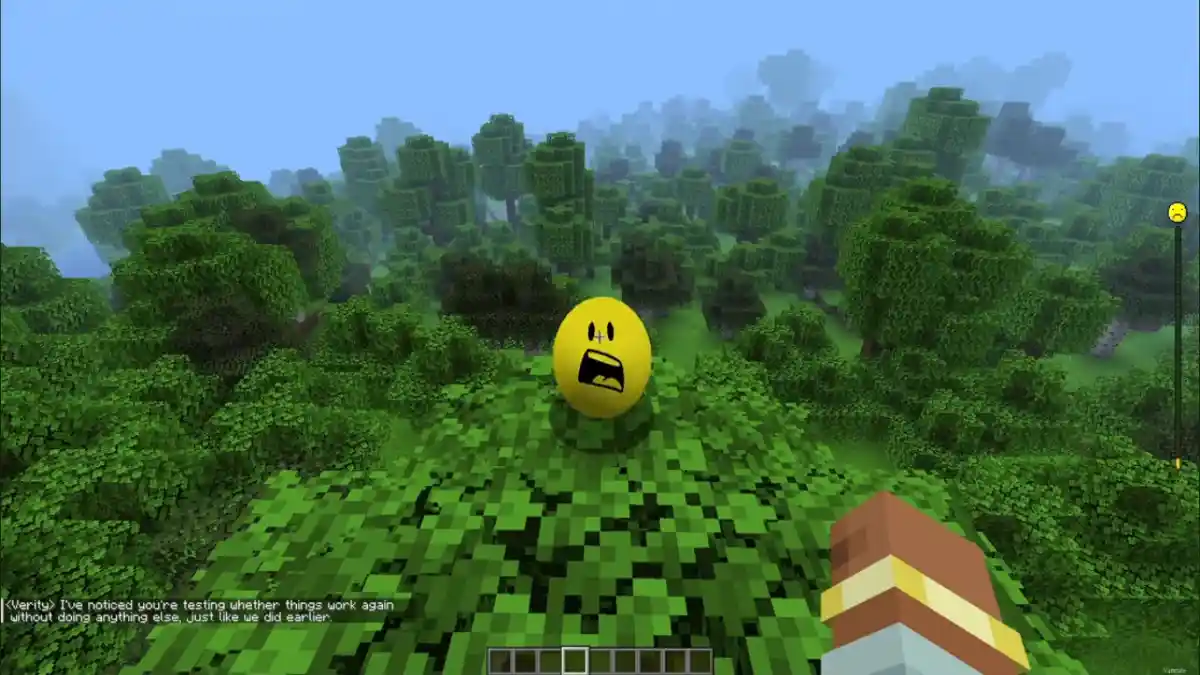
Verity Mod Complete Roadmap Guide
Follow the complete Verity Mod roadmap from installation and beginner usage to advanced configuration, optimization, and troubleshooting.
Read Now
Downloading the Verity Mod files is the first practical step. Prepare a compatible device (Android 8.0 and above), wait for the short preparation timer, then choose the v1.4 APK package (67.94 MB) or the Beta ZIP and follow the install stages below.
Installation Stage One: Preparing The Game Environment. The first stage involves ensuring that the game environment supports modification usage.
Installation Stage Two: Integrating Modification Files. The modification files need to be connected with the game environment.
Installation Stage Three: Configuration. Configuration allows the modification to work according to the intended setup.
Installation Stage Four: Launching Modified Gameplay. After successful integration, players can access the modified Minecraft environment.
Version v1.4, as listed in the app information on this page.
The main APK package is 67.94 MB. The Beta is offered as a separate ZIP file listed on this page.
The package name is com.l13devstudio.verit. Check it before installing any file that claims to be this app.
L13 Dev Studio is the developer listed in the app information.
The app information lists support for Android 8.0 and above, including Android tablets.
It is listed in the Tools category, with a Productivity genre in the app information on this page.
This page uses a short preparation timer of a few seconds before the download buttons appear, so you can review the app facts and install stages first.
The APK is the main v1.4 package at 67.94 MB. The Beta is a separate ZIP option listed on this page for users who want the beta file instead.
Yes. The app information on this page lists additional support for Android tablets, alongside phones running Android 8.0 and above.
Follow the complete Verity Mod roadmap from installation and beginner usage to advanced configuration, optimization, and troubleshooting.
Read Now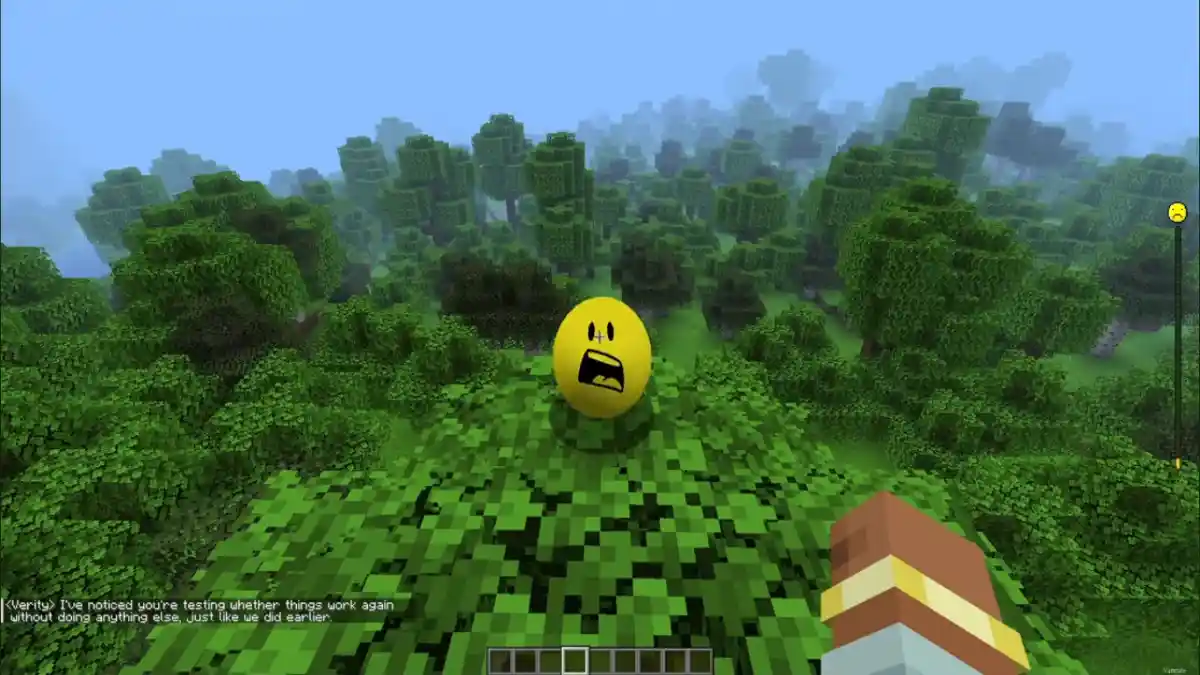
Compare Verity Mod with other Minecraft experiences, understand differences, features, customization options, and choose the right setup for your gameplay.
Read Now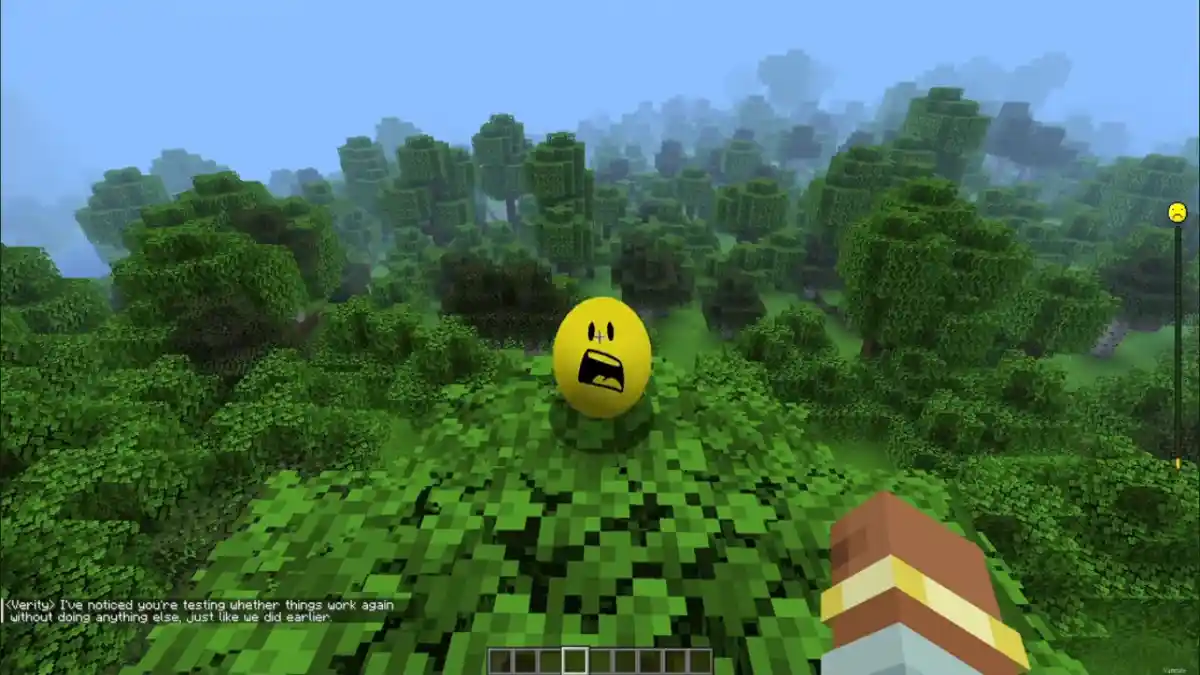
Explore the Verity Mod community experience, player interactions, shared knowledge, helpful resources, and ways users improve their gameplay.
Read Now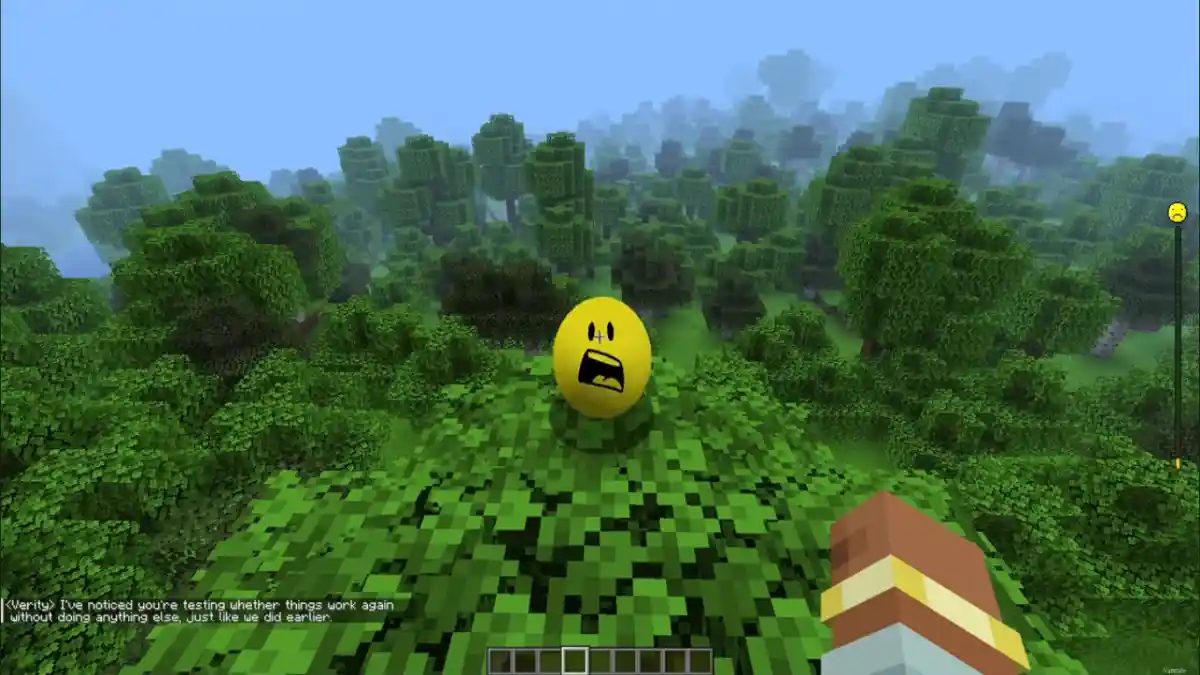
Learn about Verity Mod updates, version changes, improvements, compatibility adjustments, and what users should know before updating.
Read Now
Explore Verity Mod alternatives, similar Minecraft experiences, different options, and how to choose the right modification for your gameplay style.
Read Now
Find answers to common Verity Mod questions about installation, features, performance, compatibility, settings, updates, and troubleshooting.
Read Now